
Battery problems rarely arrive out of nowhere. Long before a car refuses to start or a phone dies at 20 percent, small changes in behavior reveal that the power source is struggling. I look for those early clues, then decide whether a simple checkup, a software tweak, or a full replacement is the smartest next step.
Early warning signs your battery is struggling
The clearest sign a car battery is starting to fail is a slow, labored crank when you turn the key or press the start button. Instead of the engine firing quickly, the starter motor turns over sluggishly, especially after the vehicle has been parked overnight or in cold weather. That hesitation usually means the battery can no longer deliver enough cold cranking amps to spin the engine at full speed, a problem that becomes more obvious as temperatures drop and internal resistance rises, which is why many breakdowns cluster in winter according to battery failure data.
Modern cars also use the battery as a buffer for sensitive electronics, so dimming headlights at idle, flickering interior lights, or glitchy infotainment screens can all point to a weakening power source. When voltage sags, control modules may reset, clocks can lose their settings, and warning lights such as the battery or check engine icon may appear even though the alternator is still working. I treat those electrical oddities as a prompt to test the battery rather than assuming a software bug, since studies of roadside assistance calls show that low voltage is a leading cause of no-start events and intermittent electrical faults in vehicles with several years of service, especially those driven mostly on short trips that never fully recharge the battery as highlighted in ownership surveys.
How phone and laptop batteries show their age
Rechargeable lithium-ion packs in phones and laptops fail more gradually, but the pattern is just as predictable. The first clue is usually shrinking runtime: a device that once lasted a full workday suddenly needs a top-up by midafternoon, even though your habits have not changed. Operating systems track this decline, and both iOS and Android expose battery health metrics that estimate remaining capacity as a percentage of the original design, with many manufacturers treating anything below about 80 percent as significantly degraded, a threshold reflected in warranty policies and support guidance for battery service.
Ageing cells also struggle with peak power demands, which is why some phones shut down abruptly when you open a camera app or a game, even if the indicator still shows double-digit charge. To prevent that, some devices throttle performance when the battery’s internal resistance climbs, a behavior that surfaced publicly when users noticed older phones slowing down under load and later learned that power management software was deliberately reducing CPU speed to avoid unexpected shutdowns, a tradeoff detailed in technical explanations of how degraded batteries affect performance. On laptops, similar issues show up as sudden sleep events when the battery is under heavy use, or as fans ramping up more often because the system is working harder to stay within safe power and thermal limits.
Physical and visual clues you should never ignore
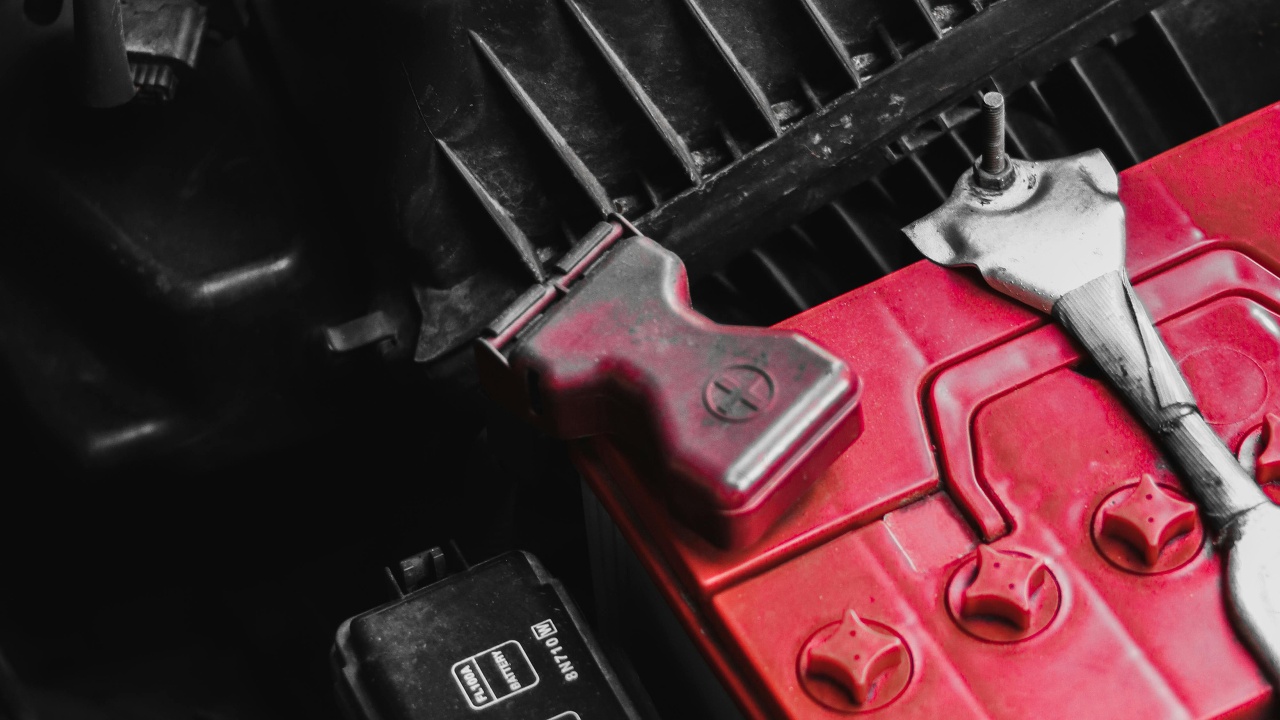
Some battery problems are visible long before they cause a breakdown, and I treat those as urgent safety flags. In cars, white or blue-green crust on the terminals indicates corrosion that can increase resistance and starve the starter of current, especially in vehicles that sit outside or see a lot of stop-and-go driving. Cleaning the posts and clamps with a proper brush and protective spray can restore a solid connection, but if the buildup returns quickly or the case shows cracks or bulges, that points to overcharging or internal damage, conditions that testing organizations link to shortened battery life and a higher risk of sudden failure in field inspections.
Consumer electronics offer their own visual red flags. A phone that rocks on a flat table, a laptop trackpad that feels tight or misaligned, or a back cover that no longer sits flush can all signal a swollen battery. That swelling comes from gas buildup inside the cell and is a known failure mode in lithium-ion packs that have been cycled heavily or exposed to high heat, as documented in repair guides and technical overviews. I never try to squeeze a bulging device back together or keep using it until it fails, because pinching or puncturing a swollen pack can lead to leaks or thermal runaway, and most manufacturers explicitly advise powering down and seeking professional service as soon as swelling is noticed.
Testing and diagnosing a weak battery
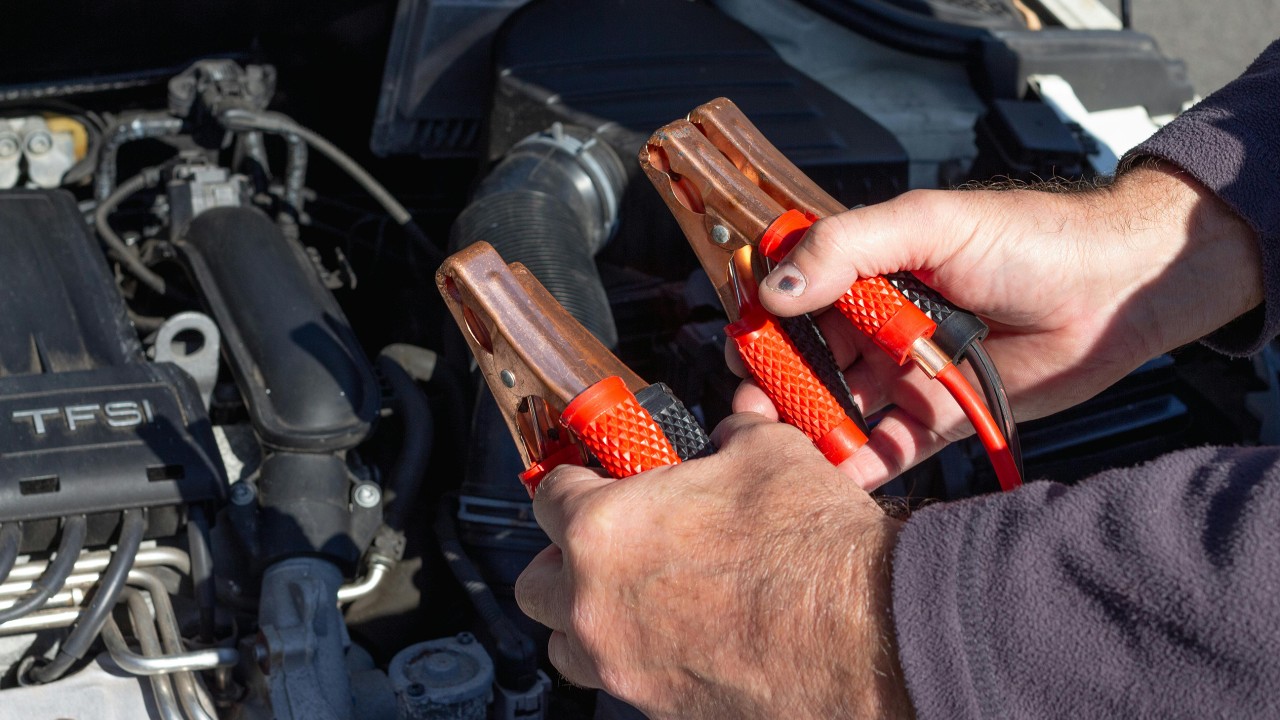
Once I see warning signs, the next step is to confirm whether the battery is truly at fault or if a charging problem is to blame. For cars, a simple multimeter check after the vehicle has been parked for several hours can reveal a lot: a healthy 12 volt battery should rest around 12.6 volts, while readings closer to 12.2 volts or below suggest a partial discharge that, if persistent, points to capacity loss rather than a one-off drain. Many auto parts stores and repair shops offer free load testing that simulates starter demand and measures cold cranking amps against the rating on the label, a method that roadside assistance providers rely on when deciding whether to recommend immediate replacement according to service protocols.
On phones and laptops, built-in diagnostics provide a first pass. iPhones running recent software show a maximum capacity percentage and may display a notice when the battery’s health has degraded enough to affect peak performance, while some Android devices and Windows laptops expose similar statistics in settings or manufacturer utilities, a trend reflected in battery health documentation and system reports. For a deeper look, I sometimes use third-party tools that log discharge rates and cycle counts over several days, which can reveal whether a battery is losing charge abnormally fast in standby or only under heavy use, a distinction that helps separate a failing cell from a misbehaving app or background process.
When to repair, replace, or upgrade
Deciding what to do next comes down to safety, reliability, and cost. In a car, a battery that fails a load test or is more than a few years old in a harsh climate is usually not worth nursing along, especially if the vehicle is critical for commuting or family transport. Replacement prices vary, but the cost of a new absorbed glass mat or flooded lead-acid unit is often lower than a single tow, and reliability data from long-term testing shows that proactive replacement before the first no-start can prevent a cascade of alternator strain and starter wear. If the battery checks out but voltage is still low while running, that points to a charging system issue, in which case I prioritize diagnosing the alternator and related wiring rather than repeatedly swapping batteries.
For phones and laptops, the decision is more nuanced. If a device is otherwise fast, secure, and supported with current software, a battery swap can extend its useful life by years, and many manufacturers now offer flat-rate battery service that is cheaper than buying new hardware, a shift encouraged by right-to-repair pressure and documented in updated service pricing and repair programs. On the other hand, if the battery is sealed in a way that makes replacement risky or expensive, or if the device no longer receives security updates, I weigh the cost of repair against the benefits of upgrading to a newer model with better efficiency and longer baseline runtime. In both cases, I back up data before any service, avoid unofficial batteries of unknown origin, and follow disposal rules that route old packs to certified recycling streams, practices that align with battery recycling guidance and reduce the environmental and safety risks of simply tossing a spent battery in the trash.