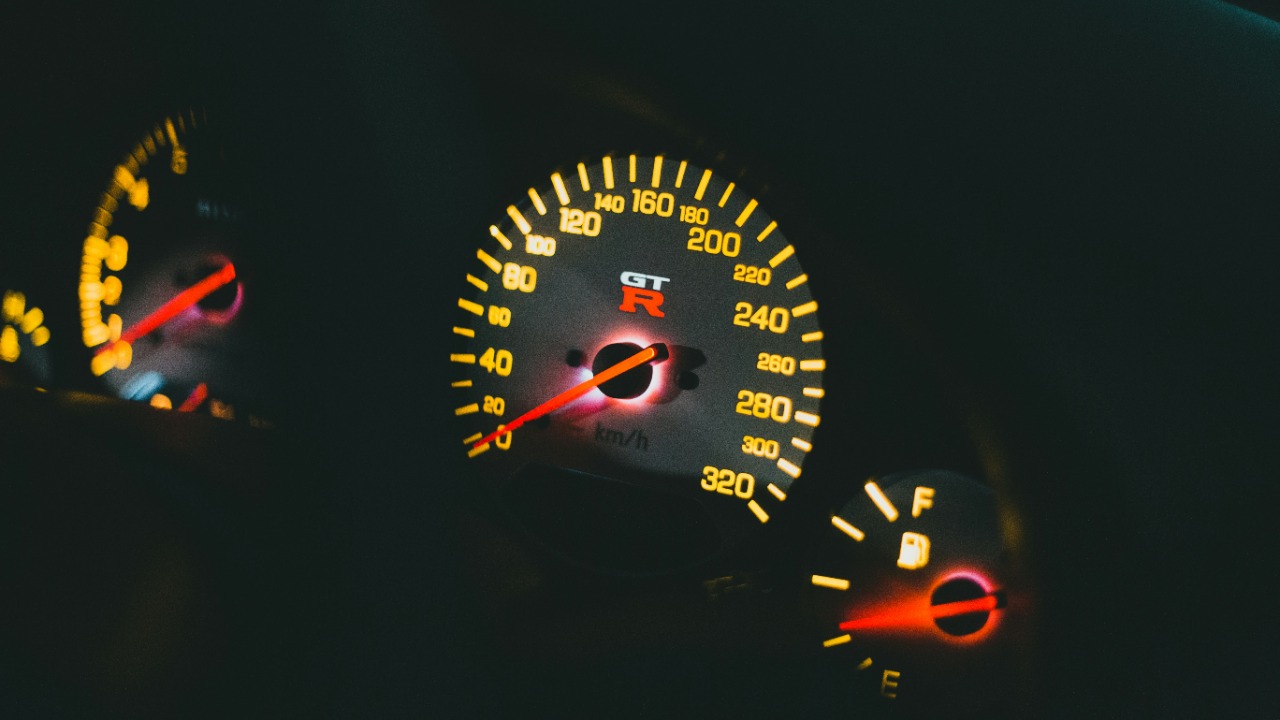
It’s a weird feeling: you wake up, drive your usual route, and your car suddenly drinks fuel like it’s been training for a marathon. Nothing changed—same commute, same weather (mostly), same right foot. The only “new” thing is a software update that installed the night before, and now your MPG or L/100 km looks… wrong.
You’re not imagining it, and you’re definitely not alone. As more vehicles become rolling computers, software updates can shift how the engine, transmission, battery management, and even climate control behave. Most of the time it’s for the better, but sometimes the first few days after an update can be a little messy.
The overnight MPG mystery: what drivers are reporting
Across owner forums and service advisors’ inboxes, the pattern is strikingly similar. A vehicle updates, then the next day the average fuel economy drops—sometimes by a little, sometimes enough to make people start doing math at stoplights. Some drivers notice rougher cold starts, higher idle speeds, or the engine running more often at stops than it used to.
What makes it extra frustrating is the timing. When something changes “overnight,” it feels like a smoking gun, even if the real cause is a combination of factors. Still, there are several very real ways a software update can affect efficiency, at least temporarily.
Why a software update can change fuel economy (even if nothing’s “broken”)
First up: recalibration. Many updates reset learned values—things like transmission shift adaptation, throttle mapping, idle control, or hybrid blending behavior. Your car spends the next 50–200 miles relearning how you drive and how its components respond, and that relearning phase can be less efficient than the “dialed-in” behavior you had before.
Then there’s emissions strategy. Manufacturers sometimes tweak engine control logic to reduce certain pollutants in specific conditions, and that can nudge fuel economy down a bit. It’s not always dramatic, but it can show up as more aggressive catalyst heating, longer warm-up cycles, or slightly different air-fuel targets.
Hybrids and plug-in hybrids have their own twist. A battery management update might change when the engine kicks on, how strongly the car regenerates, or how it protects battery longevity in cold or hot weather. The result can be more engine-on time or less electric assist—great for durability, less great for your dashboard bragging rights.
The sneaky culprit: your “average MPG” might’ve reset
Before you panic, check whether the trip computer was reset during the update. Some systems wipe or partially reset fuel economy history, so your “average” is suddenly based on a tiny sample size—like one cold morning drive with the heater blasting and every red light timed perfectly to annoy you. That can make a normal day look like a crisis.
Also, many cars show multiple averages: per trip, since last refuel, and long-term. Make sure you’re comparing the same metric you used before. It’s surprisingly easy to compare “yesterday’s trip average” to “last month’s long-term average” and think your car has joined a fast-food loyalty program.
Background processes: updates can trigger extra work for a few days
Some vehicles run post-update checks or re-index settings, sensors, and modules in the background. That can mean the cooling fans run more, the engine idles differently, or the car cycles systems to verify everything’s operating correctly. It’s not always obvious from the driver’s seat, but the fuel gauge notices.
If your car has connected services, it may also be syncing data more actively right after an update. That alone won’t guzzle gallons, but when combined with cold starts, short trips, or lots of accessory use, it can be the nudge that pushes the numbers downward.
Okay, but what if the drop is real? What to check first
Start with the boring stuff, because boring stuff is often the answer. Tire pressure is a big one—especially if the weather shifted recently—and low pressure can easily shave off noticeable fuel economy. While you’re at it, check if the update coincided with switching to winter fuel blends (common in many regions), which often reduces efficiency by a few percent.
Next, think about trip patterns. Short drives amplify inefficiency because the engine spends more time warming up, and the update might be keeping the engine running longer to reach emissions targets. If your commute is mostly five-minute hops, a “small” change in warm-up behavior can look huge in MPG.
Also take a quick look at settings that might’ve changed. Drive modes sometimes reset to Normal or Sport after updates, and climate settings can revert to Auto with higher fan use. If your car has a heated windshield, steering wheel, or seats, those are wonderful—just not free.
How to tell “normal relearning” from “something’s wrong”
Time and consistency help here. If the drop is mild and gradually improves over a week of mixed driving, it’s likely relearning or a reset average. Many drivers report things settling down after a few drive cycles, especially on vehicles with adaptive transmissions or complex hybrid controls.
Red flags look different. If you’re seeing a sudden 20–30% drop that doesn’t budge after a few tanks, or you notice new symptoms like surging, misfires, harsh shifts, warning lights, or a strong fuel smell, that’s not “just software.” That’s when it’s worth documenting and getting it checked.
What to document before calling the dealer (or posting online)
If you’re going to make a case, bring receipts—figuratively, and ideally literally. Note the update date, your fuel economy before and after, the type of driving (city/highway), outside temperatures, and whether you’re using remote start. If you can, calculate real fuel economy at the pump for one or two fill-ups to compare against the dashboard estimate.
It also helps to capture any changes in behavior. Did the engine run longer at stops? Did the RPM idle higher? Did the car feel “stickier” to accelerate, like the throttle map changed? Specific observations give a technician something to chase besides “it feels worse,” which—fair as that is—is hard to diagnose.
What dealers and manufacturers typically do (and what you can ask)
At the dealership, the most common first step is checking for stored diagnostic codes, even if no warning lights are on. They may verify the software version, confirm that all modules updated successfully, and look for technical service bulletins related to drivability or fuel economy after updates. Sometimes there’s a follow-up patch, and sometimes the fix is a relearn procedure.
You can ask a few pointed but friendly questions. Is there a known issue with this software version? Did the update reset adaptive values, and is there a recommended drive cycle or relearn process? And if your car is a hybrid, ask whether the update changed battery protection behavior in cold weather, because that’s a common source of “why is the engine always on now?” complaints.
So… should you roll back the update?
Usually, no—and often you can’t. Many manufacturers lock software versions for safety, emissions compliance, and cybersecurity reasons, and rolling back can create new problems. The better move is to gather a little data, give the car a fair relearning window, and then escalate if the numbers don’t recover.
The good news is most “overnight” fuel economy drops either normalize on their own or have a straightforward explanation once you look past the shock of a new number on the dash. The slightly less fun news is that, yes, sometimes an update genuinely changes the way your car prioritizes emissions, smoothness, or component longevity. It’s your car growing up a bit—just with a bigger appetite for a week or two.
More from Fast Lane Only