A routine update, and suddenly the view goes dark
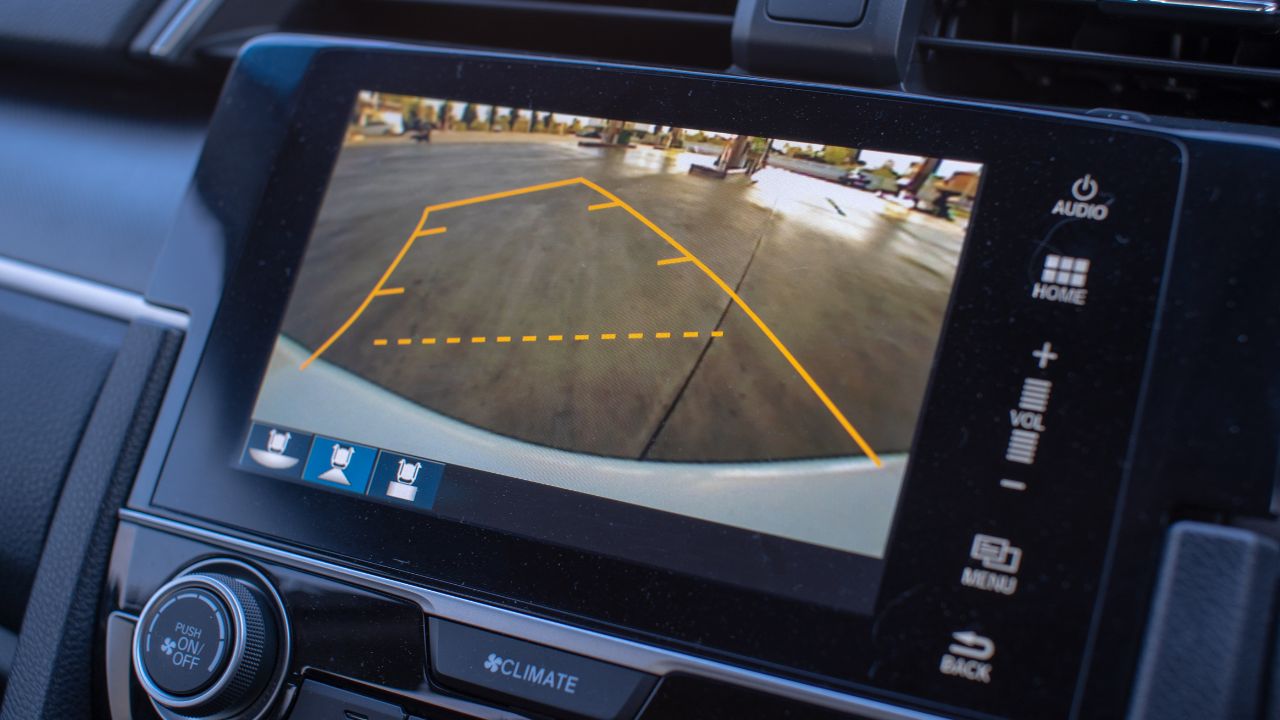
One driver says his backup camera worked perfectly—right up until a recent software update. After the update finished, he shifted into reverse expecting the usual wide-angle view behind the car and got… nothing. No image, no helpful guide lines, just a blank screen where the camera feed should’ve been.
At first, he did what most of us would do: turned the car off and on, checked settings, and gave it a day in case the system “settled.” But the problem didn’t resolve itself. So he booked an appointment at the dealership, expecting a quick fix or at least a clear explanation.
The dealer’s response: “That’s normal”
According to the driver, the dealership’s response was the part that really threw him. He says he was told the backup camera behavior after the update was “normal,” implying it wasn’t a defect so much as a feature change or a known quirk. The driver left feeling like he’d just been told it’s perfectly standard for a safety feature to occasionally take a nap.
To be fair, “normal” can mean a few different things in dealership-speak. Sometimes it means, “Yes, we’ve seen this before and it’s a known issue,” and sometimes it means, “We can’t reproduce it right now, and we don’t have a bulletin telling us what to replace.” Either way, it’s not exactly the confidence boost you want when your car’s reverse visibility depends on a screen.
Why a software update can break something that used to work
Modern vehicles are basically rolling networks: cameras, sensors, infotainment, and driver-assist features all talk to each other through software. When a manufacturer pushes an update, it can change how the camera module communicates with the head unit, how quickly the system boots, or what conditions have to be met before the image displays. Most of the time updates improve stability, but occasionally they introduce bugs that weren’t obvious in testing.
A backup camera can fail in a few “software-y” ways that look like hardware problems. The image might not initialize fast enough when you shift into reverse, the screen might switch to the wrong input, or the system might crash and silently restart. And because the camera tends to work intermittently in some cases, a dealership might not see the failure during a short test drive.
Is it actually “normal” for a backup camera to stop working?
If we’re talking common sense, no—losing your backup camera after an update shouldn’t be shrugged off as normal behavior. Backup cameras are a safety feature, and in many places they’re required equipment on newer vehicles. That doesn’t mean they never glitch, but it does mean the expectation is that they function reliably.
What can be “normal,” depending on the vehicle and the update, is a short delay while systems boot up. Some cars take a second or two to display the image after startup, especially if the infotainment system is still loading. But a camera that quits entirely or fails repeatedly is different from a brief pause.
What drivers can do when a dealer says a glitch is “expected”
The first step is to get specific, politely. Ask the service advisor to explain what “normal” means in this context: is it a known issue tied to a particular software version, or are they saying the vehicle is designed to behave that way? If they claim it’s expected, ask them to show you documentation—like a service bulletin, release notes, or a manufacturer communication.
It also helps to document the behavior like you’re filming a nature documentary: date, time, outside temperature, whether the car was just started or already warmed up, and how often it happens. If it’s safe, a quick phone video showing the blank screen while in reverse can be surprisingly persuasive. “It didn’t happen for us” gets a lot harder to say when you’ve got a time-stamped clip.
Little troubleshooting checks that can save time
Before going back and forth with appointments, there are a few simple checks that can rule out easy causes. Make sure the camera lens isn’t blocked by dirt, moisture, or a misaligned license plate frame. It sounds obvious, but a surprising number of “camera failures” are really just a salty winter film or a poorly placed accessory.
Next, look for settings related to driver assistance or camera views. Some vehicles let you toggle camera overlays, automatic camera activation, or different display modes, and an update can reset preferences. If the screen is black but the rest of the infotainment works, it’s also worth trying a system reboot—some cars have a button combination, and others require holding the power/volume knob.
When it’s more than a quick fix
If the issue started immediately after an update, that timing matters. Dealers can check software version numbers and compare them to what the manufacturer currently recommends. In some cases, the solution is another update that patches the bug, a reflash of the same version, or a reset of a specific control module.
And yes, it can still be hardware—just because it happened after an update doesn’t make the camera itself innocent. A borderline camera module, a loose connector, or water intrusion can show up around the same time and look like a software change caused it. The tricky part is getting a thorough diagnostic instead of a quick “could not duplicate” note.
Why this kind of complaint is becoming more common
Cars didn’t used to get frequent software updates, and now many do—either at the dealership or over the air. That’s convenient, but it also means your vehicle can change while you’re asleep, which is a little weird when you think about it. One day you’ve got a familiar interface, the next day a menu moved, a feature behaves differently, or something that used to be instant now takes longer.
Manufacturers generally aim to improve reliability and add features, but software is complicated. A tiny change can have ripple effects, especially when multiple suppliers provide different modules. It’s not unlike updating your phone and discovering your Bluetooth suddenly has opinions.
What to ask for at the dealership next time
If a driver is told the problem is “normal,” it’s reasonable to ask for a ride-along with a technician so you can demonstrate the issue. Request that the repair order notes the concern clearly, including that it began right after a software update. If it’s intermittent, ask them to keep the vehicle longer or test it under conditions that match when it fails.
You can also ask whether there are technical service bulletins (TSBs) related to the camera, infotainment system, or recent software releases. If the vehicle is under warranty, make sure the complaint is logged even if they don’t fix it that day—paper trails matter. And if you’re getting nowhere, contacting the manufacturer’s customer support line with your documentation can sometimes move things along.
The big picture: safety features shouldn’t feel optional
A backup camera isn’t just a convenience for tight parking spots—it’s meant to reduce blind-zone accidents and help drivers spot people, pets, and obstacles. When it goes out, most drivers can still use mirrors and look over their shoulder, but that’s not the point. The point is the car had a safety tool, and after a software update it stopped doing its job.
If the dealership truly believes the behavior is “normal,” they should be able to explain it clearly and back it up with documentation. Otherwise, it’s fair for drivers to push—politely but firmly—for a real diagnosis. Because “normal” is great for tire wear or road noise, but it’s a strange word to use for a camera that’s supposed to turn on every single time you shift into reverse.
More from Fast Lane Only