When Jason Miller bought his brand-new pickup last month, he expected that “new truck smell,” not a glowing light show on the dashboard. But he says that’s exactly what greeted him the morning after his truck installed an overnight software update: three warning lights he’d never seen before. “It’s like my truck learned a new language while I slept—and woke up speaking in riddles,” he joked.
Miller’s story has been bouncing around local driver forums this week, partly because it feels so modern. Trucks are basically rolling computers now, and updates are supposed to make them better, not make owners feel like they need a decoder ring. Still, his experience is a reminder that even routine updates can come with hiccups—especially when a vehicle is packed with sensors, cameras, and modules that all have to agree on what “normal” looks like.
An Overnight Update, Then a Dashboard Surprise
According to Miller, the update happened automatically while the truck sat in his driveway. He says the vehicle’s app showed a notification that new software had been installed successfully, with the usual vague promise of “performance improvements” and “bug fixes.” Nothing sounded alarming, so he didn’t think twice.
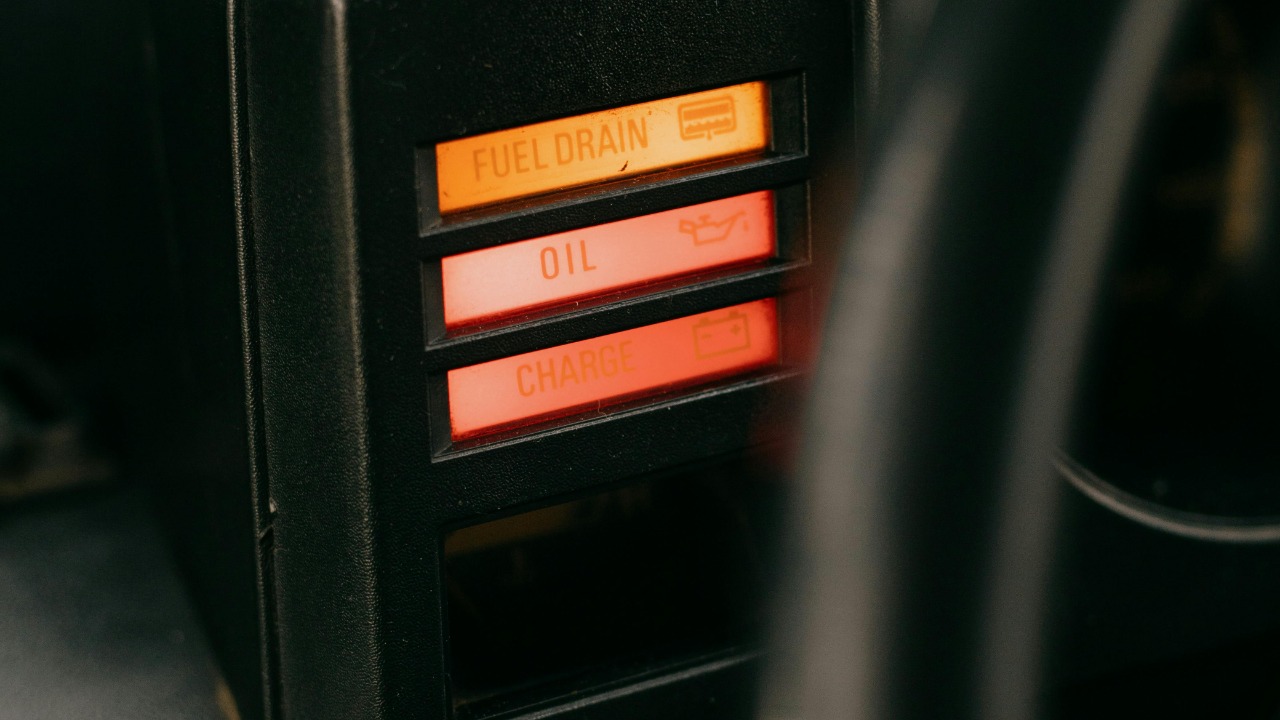
The next morning, he started the truck and saw three warning indicators illuminate and stay on. He didn’t want to speculate too much about what each light meant, but he described them as the kind that make your stomach drop a little—warnings tied to driver assistance and stability systems, not just a friendly “washer fluid low.” The truck drove, but he says it didn’t feel quite as confident, like a few features had quietly taken the day off.
“It Drove Fine… But It Didn’t Feel Right”
Miller says he did what most people do now: he searched the warning icons online and scrolled through owner groups to see if anyone else had the same issue. A few posts sounded familiar, but nothing was definitive. “You find ten answers in ten minutes, and half of them are basically ‘turn it off and on again,’” he said.
He tried the simple steps first—restarting the vehicle, checking tire pressures, and letting it sit for a bit to see if the systems would clear after a short drive. No luck. The lights stayed on, and the truck’s menus suggested some driver-assist features were temporarily unavailable.
Why a Software Update Might Trigger Warning Lights
Automakers push updates for all sorts of reasons: security patches, infotainment tweaks, powertrain calibrations, even changes to how sensors interpret data. The tricky part is that modern vehicles don’t have just one computer. They have many, and they’re constantly sharing information.
After an update, the truck may need to “relearn” certain settings, run self-checks, or recalibrate sensors. If any module reports data outside the expected range—even briefly—it can trigger warning lights. Sometimes it’s a genuine issue. Other times it’s more like the vehicle saying, “Hold on, I’m not fully sure what I’m seeing yet.”
The Usual Suspects: Sensors, Calibration, and Communication Glitches
In cases like this, technicians often look first at the systems that rely on calibration and clean sensor data. Cameras behind the windshield, radar units in the grille, and steering angle sensors are common players. If the update changes how the software interprets those signals, the vehicle may throw warnings until everything syncs up.
Another possibility is a temporary communication error between modules—think of it as group chat confusion. If one module updates and another lags, or if a reboot doesn’t complete cleanly, the truck might report faults that look scarier than they are. It’s not always dramatic, but it can definitely feel dramatic when three icons light up at once.
What the Dealer Told Him (and What They Usually Check)
Miller says he called the dealership and described what happened. The service department suggested bringing it in so they could pull diagnostic codes and confirm whether the warnings were tied to the update or to a separate hardware issue. That’s the standard move: warning lights are basically the truck’s way of leaving breadcrumb trails in the computer logs.
At the shop, a technician typically scans the vehicle, checks for stored fault codes, and looks for technical service bulletins—those behind-the-scenes notes manufacturers send to dealers when a known issue pops up. If the update is known to cause certain alerts, there may be an additional patch, a reset procedure, or a calibration routine to run. Sometimes the fix is surprisingly simple; sometimes it takes a second update to fix the first update, which is very on-brand for 2026.
Is It Dangerous to Drive When Multiple Lights Come On?
This part depends heavily on what the lights are and whether the truck changes the way it drives. Some warnings simply indicate a driver-assistance feature is offline—annoying, but not necessarily unsafe if you drive normally and conditions are good. Other warnings can involve braking, stability control, or powertrain behavior, which is a different level of seriousness.
Miller says he avoided highways and kept trips short until he could get the truck checked out. That’s a reasonable approach when you’re not sure what’s going on. If a vehicle shows a red warning, a “stop safely” message, or any noticeable change in braking or steering feel, most experts would tell you not to gamble—get help right away.
Other Drivers Say They’ve Seen Similar Post-Update Glitches
Miller’s post struck a nerve because plenty of drivers have had some version of this experience: an update installs, and suddenly the car acts a little… moody. In many cases, the problem resolves after a proper reboot cycle, a short drive that completes system checks, or a recalibration at the dealership. In others, an update exposes an underlying issue that was already brewing, like a weak battery or a sensor that was borderline.
It’s worth noting that newer vehicles can be more sensitive to voltage changes. If the 12-volt battery is slightly low—common with lots of short trips—an overnight update could push it into a range where modules complain. That doesn’t mean the update “broke” the truck, but it can be the spark that reveals a weak link.
What Owners Can Do If It Happens to Them
If your vehicle installs an update and then throws warning lights, start with the basics: check the owner’s manual for the specific icons, and see if the car’s display provides a message explaining what’s limited. If the vehicle feels normal, you can try a clean restart and a short drive to see if the system completes its checks. Keep notes—time, weather, what changed—because that info helps a technician.
If the warnings persist, the best next step is getting a diagnostic scan, either at a dealer or a trusted shop with the right tools for your make. Ask whether there are any known update-related bulletins and whether recalibration is needed. And if anything affects braking, steering, or stability, treat it like a real safety issue, not a “maybe it’ll go away” situation.
A Very Modern Kind of Car Trouble
Miller says he still loves the truck, but he didn’t expect his first real “problem” to be software-related. “My old pickup’s biggest update was me changing the radio station,” he said. Now, he’s learning what a lot of drivers are learning: convenience and complexity arrive as a package deal.
For now, he’s waiting on the dealership’s full readout to confirm whether the warning lights were a one-off glitch, a calibration issue, or something that needs a follow-up patch. Either way, his experience has already become a helpful heads-up to other owners: if your truck updates overnight and wakes up cranky, you’re not alone—and you probably aren’t crazy for thinking the timing is a little suspicious.
More from Fast Lane Only
“`