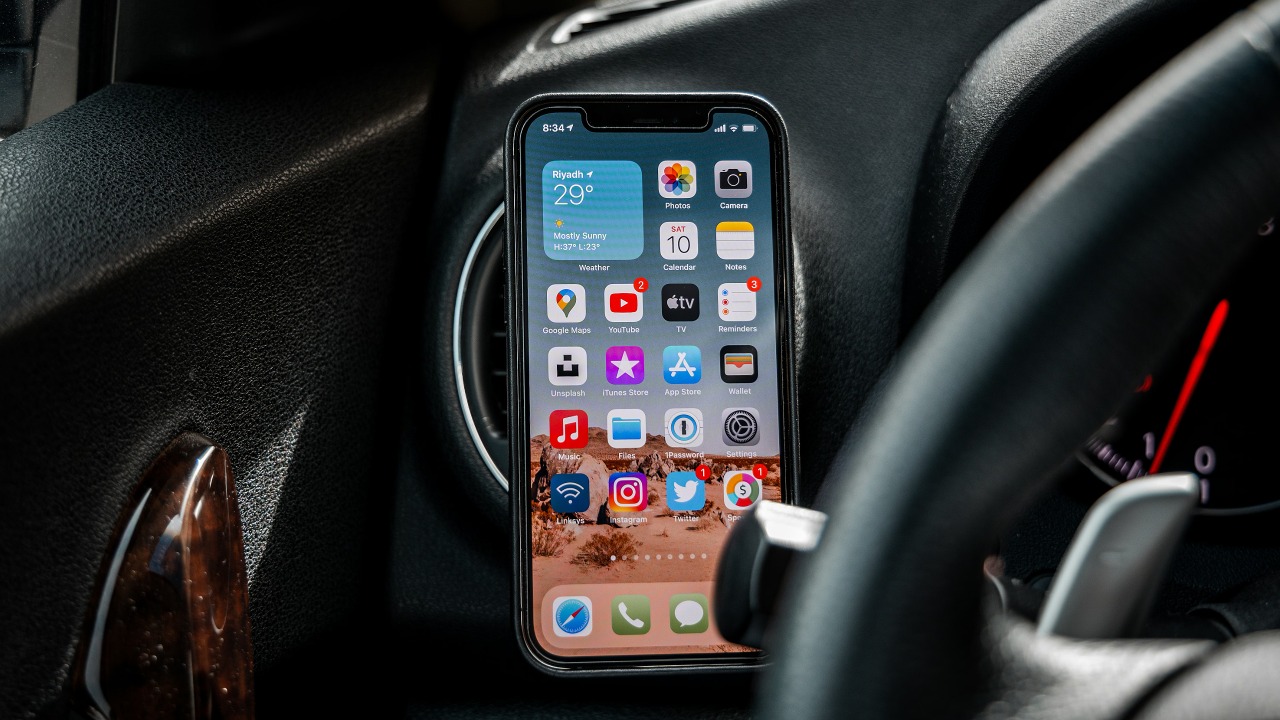
Apple has quietly turned the iPhone into a car key, but the feature is buried behind jargon, scattered settings, and automaker fine print. At its core, the system lets you lock, unlock, and start certain vehicles using the same device you already use to pay, board flights, and open hotel rooms. I want to unpack how it actually works, which cars and iPhones are involved, and what the security and everyday tradeoffs look like when your key fob becomes an app.
What Apple’s digital car key really is (and how it fits with CarPlay)
Apple’s system is built around a simple idea: your car’s key fob can be turned into a digital credential stored in Apple Wallet, then used by your iPhone or Apple Watch to control the vehicle. Instead of a plastic fob broadcasting a signal, the credential lives in the secure element of the device, which lets you lock, unlock, and start the engine when you present the phone or watch to the car. The same Wallet interface that already holds payment cards and transit passes is where the digital car key sits, which is why Apple describes Apple Car Key as storing those credentials directly in Apple Wallet so they can be used in the same everyday flow iPhone owners already rely on.
This is separate from CarPlay, which mirrors apps like Maps, Music, and Messages on the dashboard screen but does not unlock or start the car by itself. CarPlay runs once you are already inside and the vehicle is on, while the digital key feature handles the physical access and ignition layer. Apple’s own CarPlay overview makes that distinction clear by focusing on infotainment and driving-friendly apps, while the car key feature is documented in Wallet support materials and automaker guides. In practice, the two features complement each other: the Wallet key gets you into the car and powers it up, then CarPlay takes over on the display.
NFC, UWB, and how “just walk up and drive” actually works
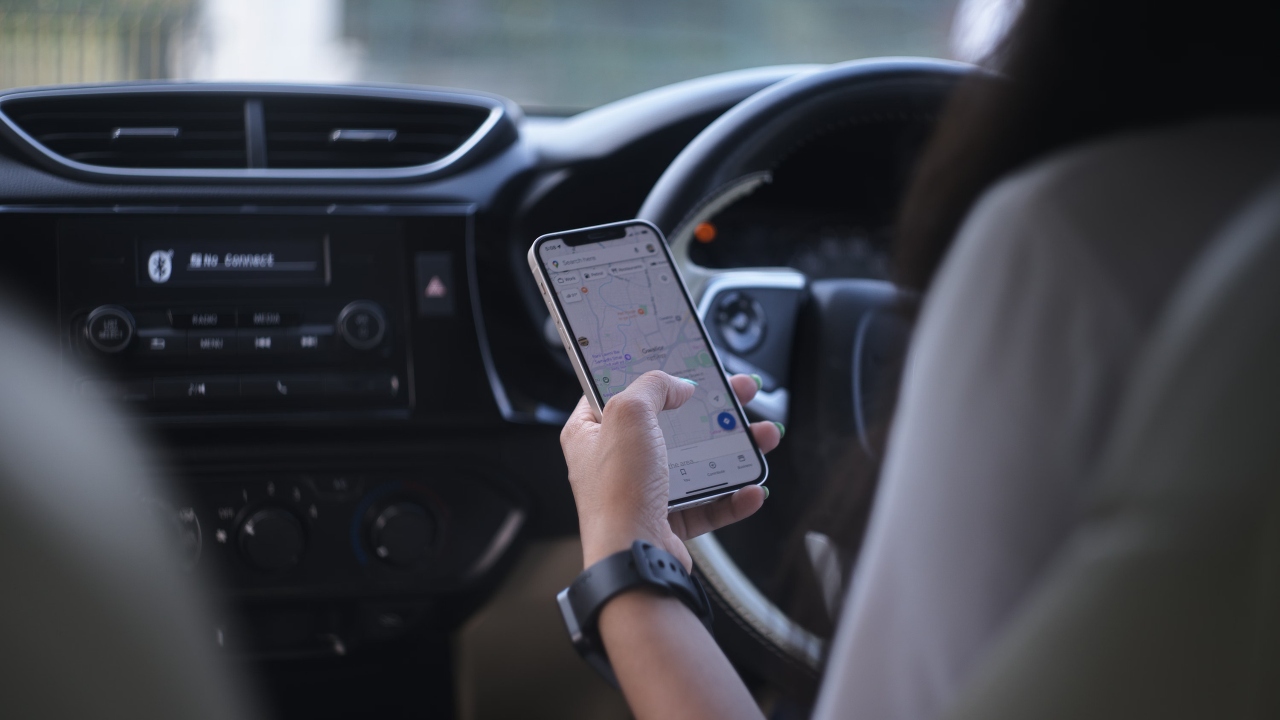
Under the marketing gloss, there are two different technologies doing the heavy lifting: NFC and ultra wideband, and which one your car uses changes the experience. With NFC, you tap your iPhone or Apple Watch on a specific spot, usually the driver’s door handle or a marked area on the B-pillar, to lock or unlock, then place the device in a designated tray or near the start button to start the engine. Reporting on how Apple Car Key works describes this as a “tap to unlock” model, with NFC handling the short range communication between the phone and the vehicle. It feels a lot like using Apple Pay on a contactless terminal, just with a car instead of a checkout counter.
Newer vehicles add ultra wideband, which enables what Apple and automakers call passive entry. With UWB, the car can measure the precise distance and direction of your iPhone, so you can leave the device in your pocket or bag and simply walk up to the vehicle for it to unlock automatically, then sit down and press the start button without ever taking the phone out. Guides to Apple Car Key explain that NFC and UWB can coexist, with NFC as a fallback tap method and UWB providing the hands free experience. That is why some brands, such as BMW in recent model years, are highlighted as supporting both NFC and UWB, while others still rely only on tap to unlock.
Which cars and iPhones actually support it
The biggest point of confusion is compatibility, because Apple’s Wallet app looks the same on every iPhone but the car key option only appears if your hardware and your vehicle both qualify. On the phone side, you need an iPhone and, optionally, an Apple Watch that support Car Keys in Wallet, which Apple’s support documentation treats as a baseline requirement before you can even attempt setup. On the vehicle side, the car must be on Apple’s supported list and have the right hardware for NFC or UWB, which is why detailed guides break out supported models by brand and even by model year. Those same guides note that Apple Car Key stores the digital credentials in Apple Wallet, but only for eligible vehicles that have been certified to work with the system.
Automakers are slowly filling in the gaps. A comprehensive Apple Car Key guide points to BMW as an early adopter and then lists newer brands and models, including Kia EV9, Hyundai Ioniq 6, and Genesis GV60, that support either NFC or UWB based keys. More recently, a Porsche press release confirmed that the all electric Cayenne and Macan models will support Apple Car Key, allowing owners to unlock and start those 2026 EVs without a traditional key. Separate reporting notes that Toyota is now adding Apple Car Keys support, with the feature going live on Apple’s backend for specific Toyota models and a list of compatible vehicles maintained externally. On top of that, Apple focused attention on the future by signaling that Car Keys are coming to the Wallet app for 13 new vehicle brands, including names like Toyota, Lexus, and WEY, which suggests the current patchwork will expand significantly.
How you actually add and use a digital car key
Once you have a compatible car and device, the setup flow still trips people up because it does not start in Wallet the way a credit card does. Instead, you begin in your automaker’s companion app, which must be linked to your vehicle and your manufacturer account. Practical how to guides spell this out with examples such as MyBMW, The Mercedes Benz App, MyHyundai, and similar apps from other brands, all of which handle the initial handshake with the car. Only after that link is in place do you tap an option in the automaker app to add the key to Apple Wallet, which then hands off to the Wallet interface to finish storing the credential securely.
Apple’s own instructions mirror that flow, telling you to open the car manufacturer’s app, email, or text message on your iPhone, then follow prompts to add the car key to Apple Wallet on your iPhone or Apple Watch. A separate support section explains that you can then use your car key on your iPhone or Apple Watch to lock, unlock, and start the vehicle, with the option to require Face ID, Touch ID, or a passcode before the key will work. Other step by step guides emphasize the same sequence, advising you to ensure the car is linked to your manufacturer account, open the app, and then use the Wallet & Apple Pay settings to confirm everything is active. In practice, once the key is in Wallet, using it feels straightforward: tap or approach the car depending on whether it uses NFC or UWB, then authenticate if you have chosen that extra layer of security.
Sharing keys, security tradeoffs, and what happens if you lose your phone
The part almost nobody explains clearly is what happens when you want to lend your car or when your phone goes missing. Apple’s documentation notes that, depending on the model of your car, you might be able to share your car key via AirDrop or any messaging app, such as Messages, Mail, or WhatsApp. That means you can send a digital key to a partner, family member, or friend, and in some implementations you can even set restrictions, such as limiting top speed or disabling certain features for a teen driver. The same support materials explain that you can revoke a shared key from Wallet if you no longer want someone to have access, which gives you more granular control than a physical fob that can be copied or lost.
Security wise, the system leans heavily on the iPhone’s existing protections. Apple’s support pages stress that you can require Face ID, Touch ID, or a passcode before the car key will activate, which means a thief who grabs your phone still has to get past biometric or passcode locks to drive away. Because the key lives in the secure element of the device, it is also isolated from regular apps, which reduces the risk of malware tampering with it. If you lose your iPhone, you can use another Apple device or the web to mark it as lost, which effectively cuts off Wallet access, including the car key. At that point, you fall back to a physical key or another stored digital key on an Apple Watch until you replace the phone.
There is still a practical tradeoff: if your battery dies, your digital key dies with it, although Apple supports an “express mode” that can work for a limited time even when the phone appears off, as long as there is some residual power. That is one reason many automakers, including those highlighted in Apple Car Key guides, still ship traditional key fobs alongside digital keys rather than replacing them outright. In my view, the most realistic way to think about Apple’s car key feature is as a powerful convenience layer on top of, not instead of, the old metal or plastic key. The more automakers like Porsche and Toyota adopt it, and the more brands Apple quietly adds to Wallet, the closer it gets to feeling like a standard part of owning a car rather than a hidden trick buried in your iPhone’s settings.
More from Fast Lane Only: